About Flight Mentor

A perception- training layer

A scenario-based VR training layer for general-aviation flight schools — preparing students for procedures, radio communication, threat recognition and time-critical decisions before aircraft time begins. Not a flight simulator.

001 The problem we train for
#01

Procedures are essential. The hard part is the moment before the procedure.

Ground briefing teaches procedures effectively — but the challenging part is recognising when to transition from knowing to acting. Students must learn to recognise the moment when theory becomes action. That recognition is a trainable perception skill, and it can be practised before actual flying.
Not a simulator. A training layer.

Flight Mentor focuses on recognition, decision timing and threat awareness before real cockpit training begins. It trains what happens before the checklist — noticing, interpreting and deciding.

002 · Three pillars

What the training is built on

003 · Core VR scenarios

Five modules, one goal

A managed, growing scenario library — centrally updated, ready to run in any briefing room.

004 · For future pilots

Experience aviation before you start

Four entry experiences for prospective pilots — a low-commitment way to feel what training is really like.

005 · For flight schools

Train situational awareness before aircraft time begins

More than VR — a practical training layer delivered as a subscription SaaS platform deployed inside your school, paired with ready-to-use VR hardware. Six concrete gains for heads of training:

Important: Flight Mentor does not replace aircraft training, simulators, instructors or certification — and it changes nothing in the certification process. It is a preparation layer used before aircraft time.

006 · What you get

One platform, everything managed

  • Scenario librarymanaged, growing, centrally updated.

  • Admin panelmanage modules, assign scenarios, configure groups.

  • User managementstudent and instructor accounts, cohorts, module access.

  • Progress visibilitytrack completion for every student.

  • Instructor-led briefingscenario setup and debrief support.

  • Subscription modelpredictable pricing; platform, updates and support included.

Basic tier

Meta Quest 3

  • Standalone, wireless, scalable
  • No PC or cabling required
  • Set up in minutes in any briefing room
Pro tier

Apple Vision Pro

  • Spatial audio for realistic radio & cockpit sound
  • Precise eye and hand tracking
  • Premium tier for flagship training or demo room

Deployment: days, not months — most schools run a first scenario the same day.

007 · The kit

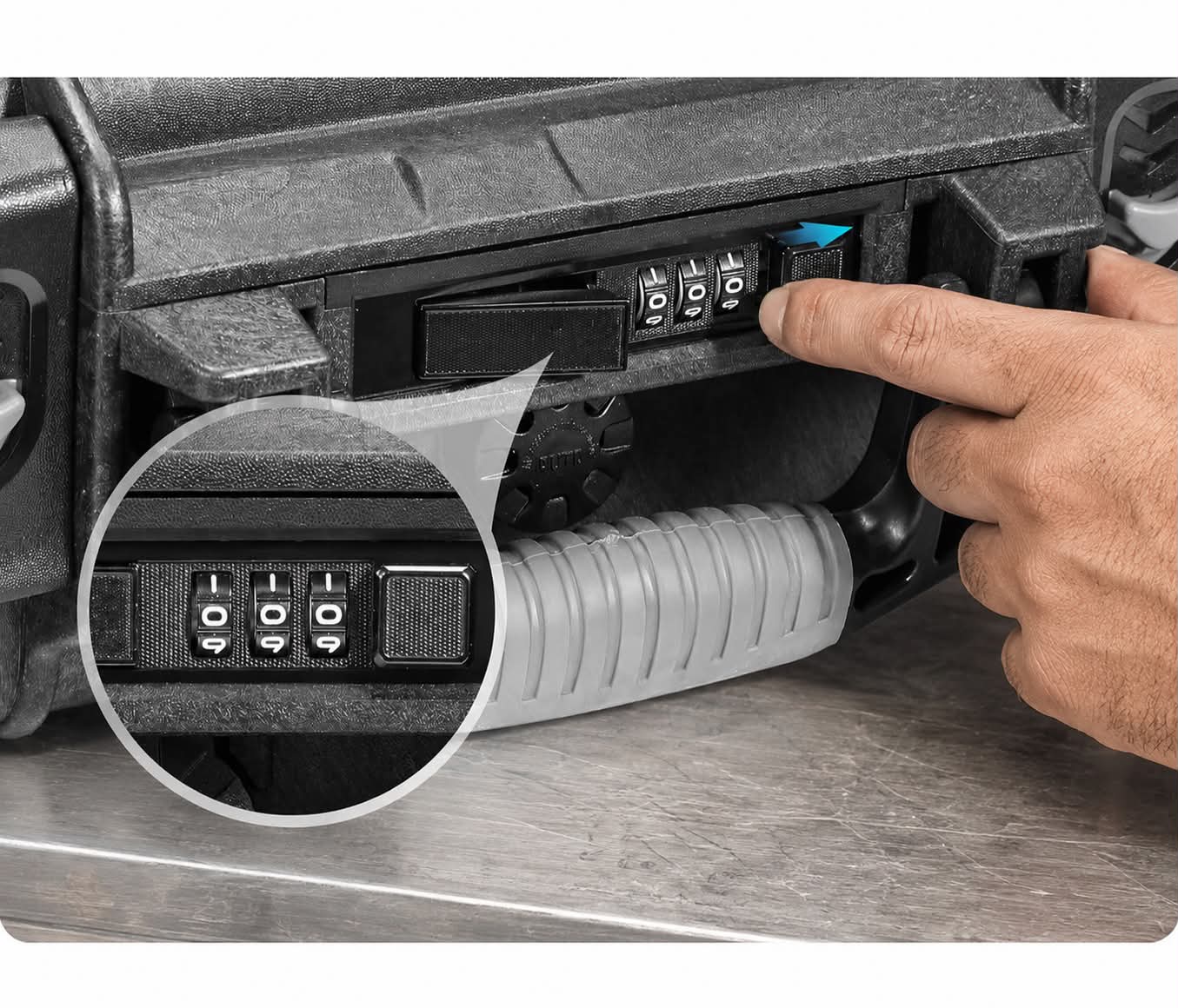
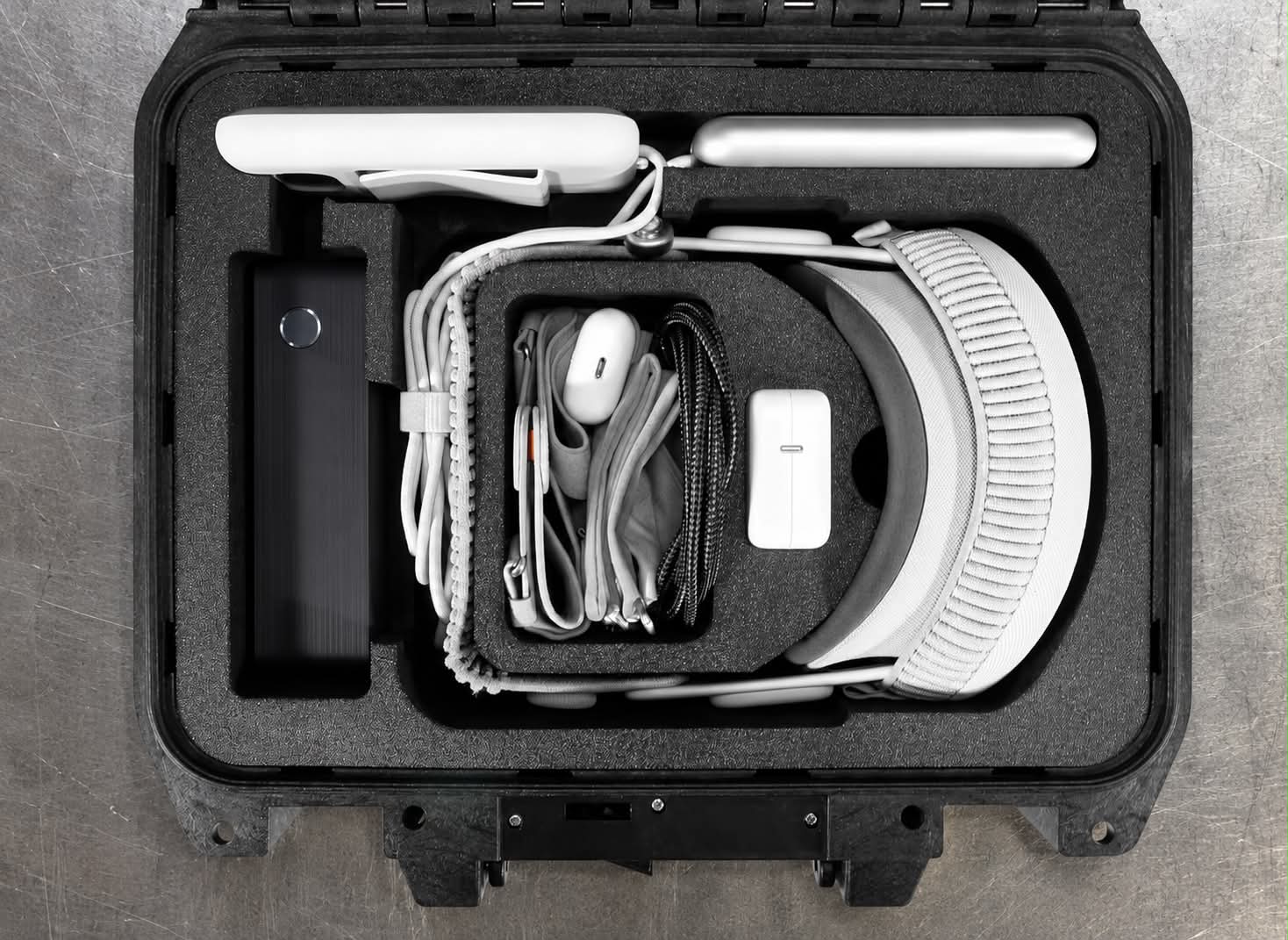
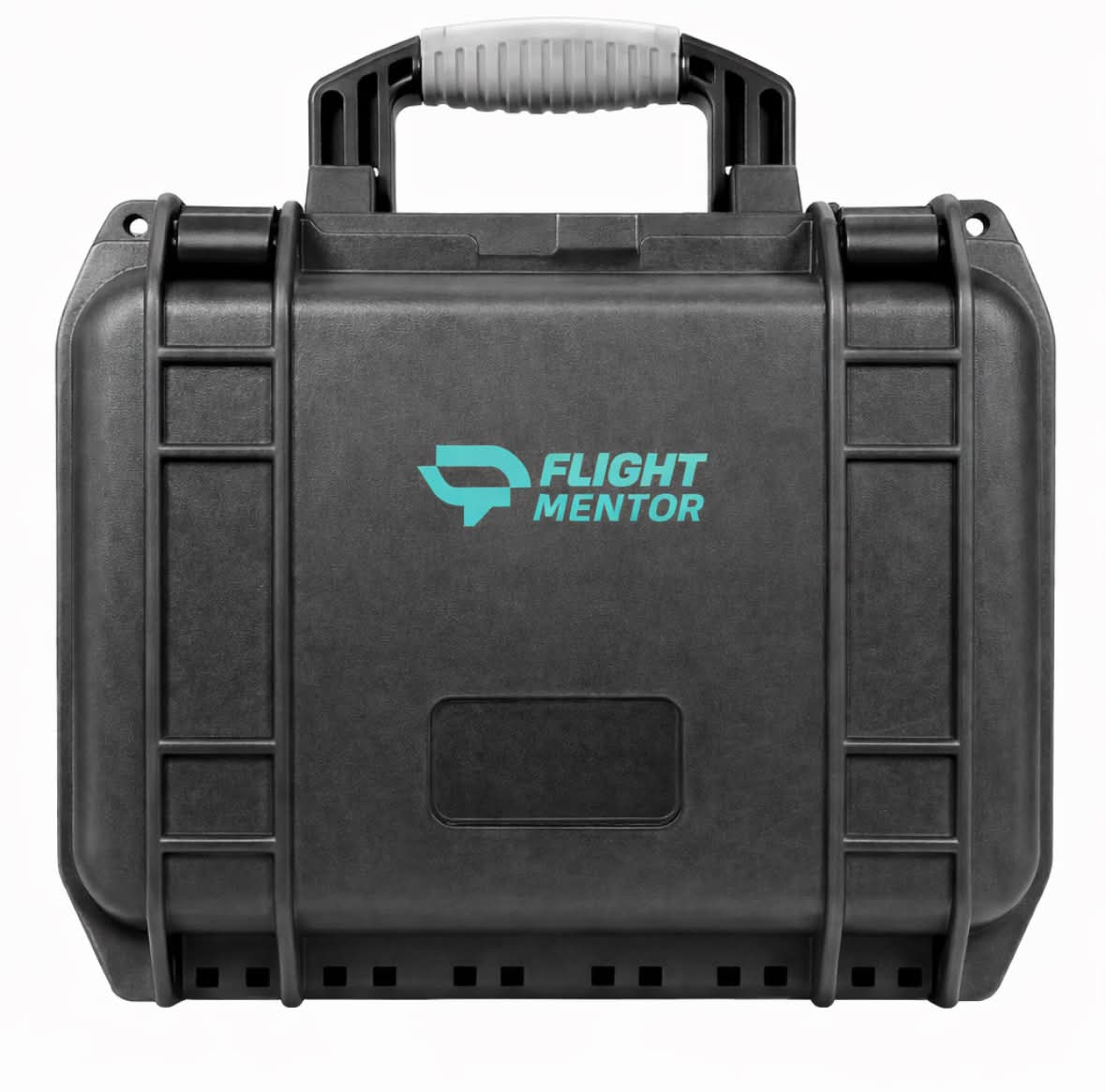
Everything in one ready-to-use case

Headsets, accessories and the platform — pre-configured, lockable and ready to train the day it arrives.

008 · Custom modules

Your airport, in the headset

A full controlled-airport departure preparation, adapted to your environment — covering:

Cockpit preparation Engine start clearance Radio communication Taxi instructions Airport movement Run-up area procedures Emergency briefing Departure clearance Initial controlled airspace
009 · FAQ

Before you ask

Do we need a dedicated room?

No — Flight Mentor runs in any briefing room. It is wireless and needs no fixed infrastructure.

Who operates it?

Instructors or students — sessions are pre-configured, so no specialist is required.

Does it fit our syllabus?

Yes — it is used before aircraft time and changes nothing in the certification process.

Supervised or solo?

Both — students can prepare independently, or instructors can lead sessions around briefing and debrief.

Does it replace flight time?

No — it is a preparation layer used before the aircraft, never a replacement for it.